HTML Images

HTML Images
- Images can improve the design and the appearance of a web page.
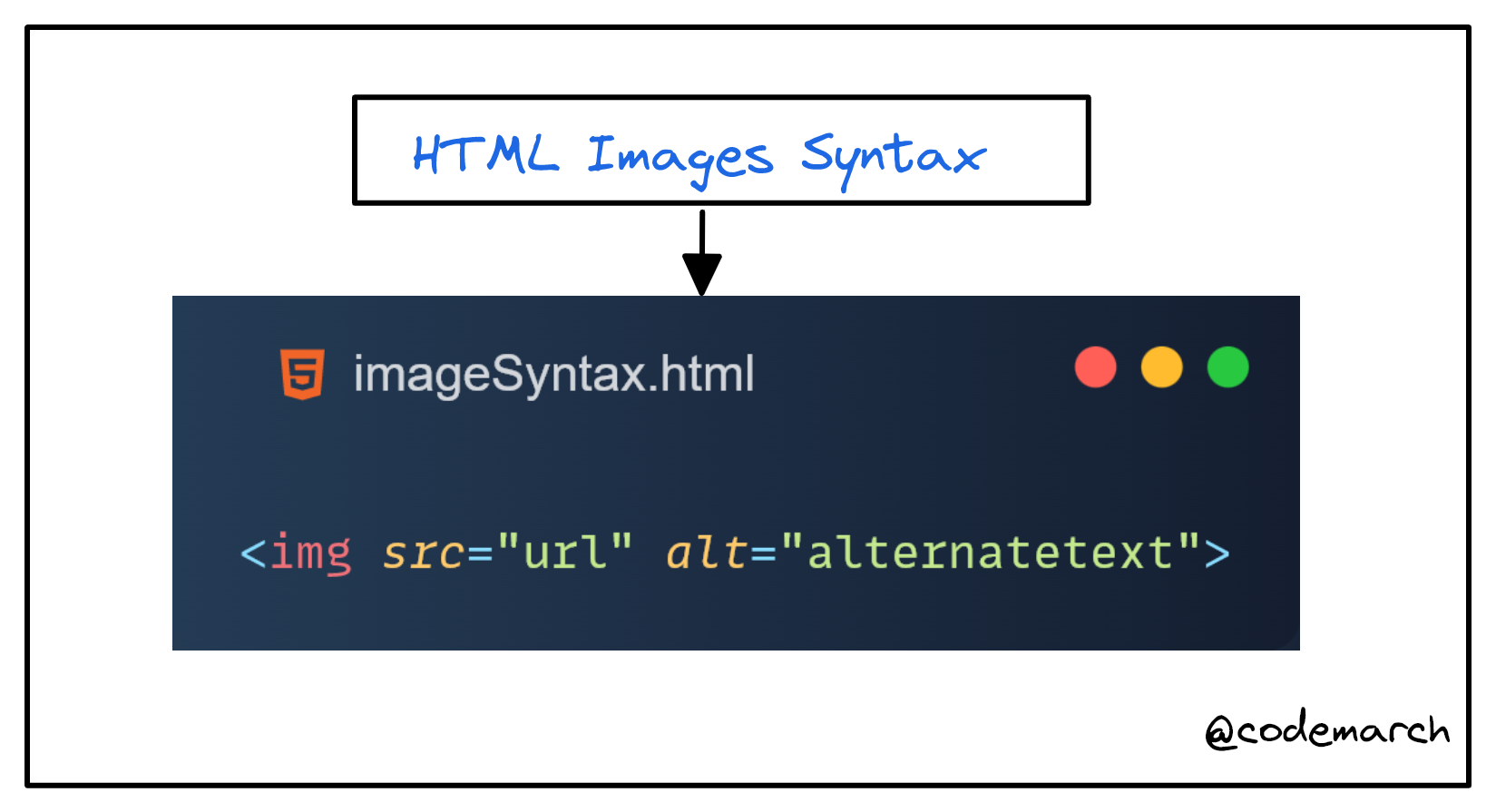
👉 HTML Images Syntax
- The HTML
<img>tag is used to embed an image in a web page. - Images are not technically inserted into a web page; images are linked to web pages. The
<img>tag creates a holding space for the referenced image. - The
<img>tag is empty, it contains attributes only, and does not have a closing tag. - The
<img>tag has two required attributes: - src - Specifies the path to the image
- alt - Specifies an alternate text for the image
👉 The src Attribute
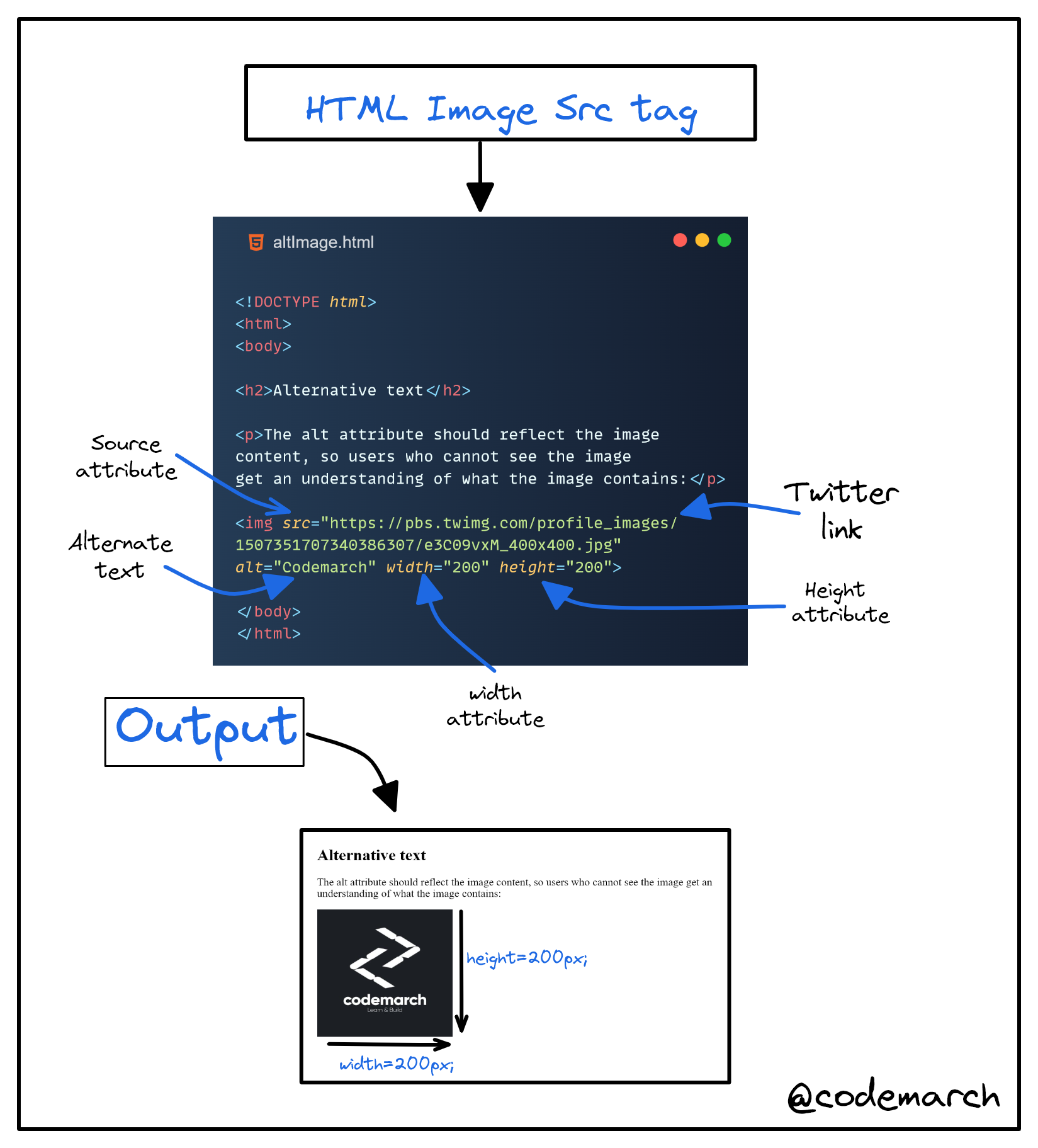
- The required
srcattribute specifies the path (URL) to the image. - You can use the
styleattribute to specify the width and height of an image.
👉 Example➖
👉 The alt Attribute
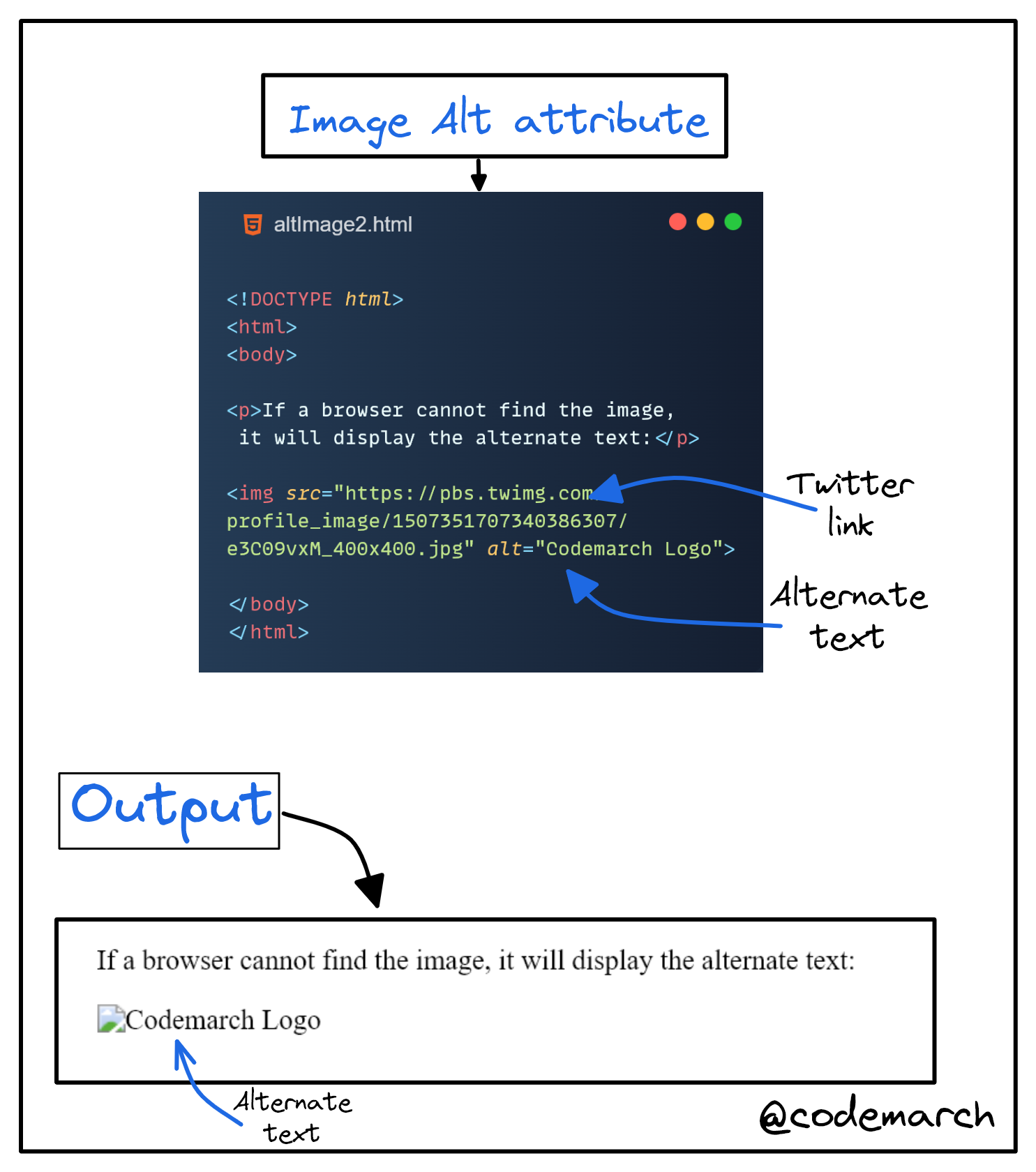
- The required
altattribute provides an alternate text for an image, if the user for some reason cannot view it (because of slow connection, an error in the src attribute, or if the user uses a screen reader). - The value of the
altattribute should describe the image: - If a browser cannot find an image, it will display the value of the
altattribute:
👉 Example➖
 >
Download our HTML & CSS Visual Treat! ebook Here:
Click here
>
Download our HTML & CSS Visual Treat! ebook Here:
Click here


